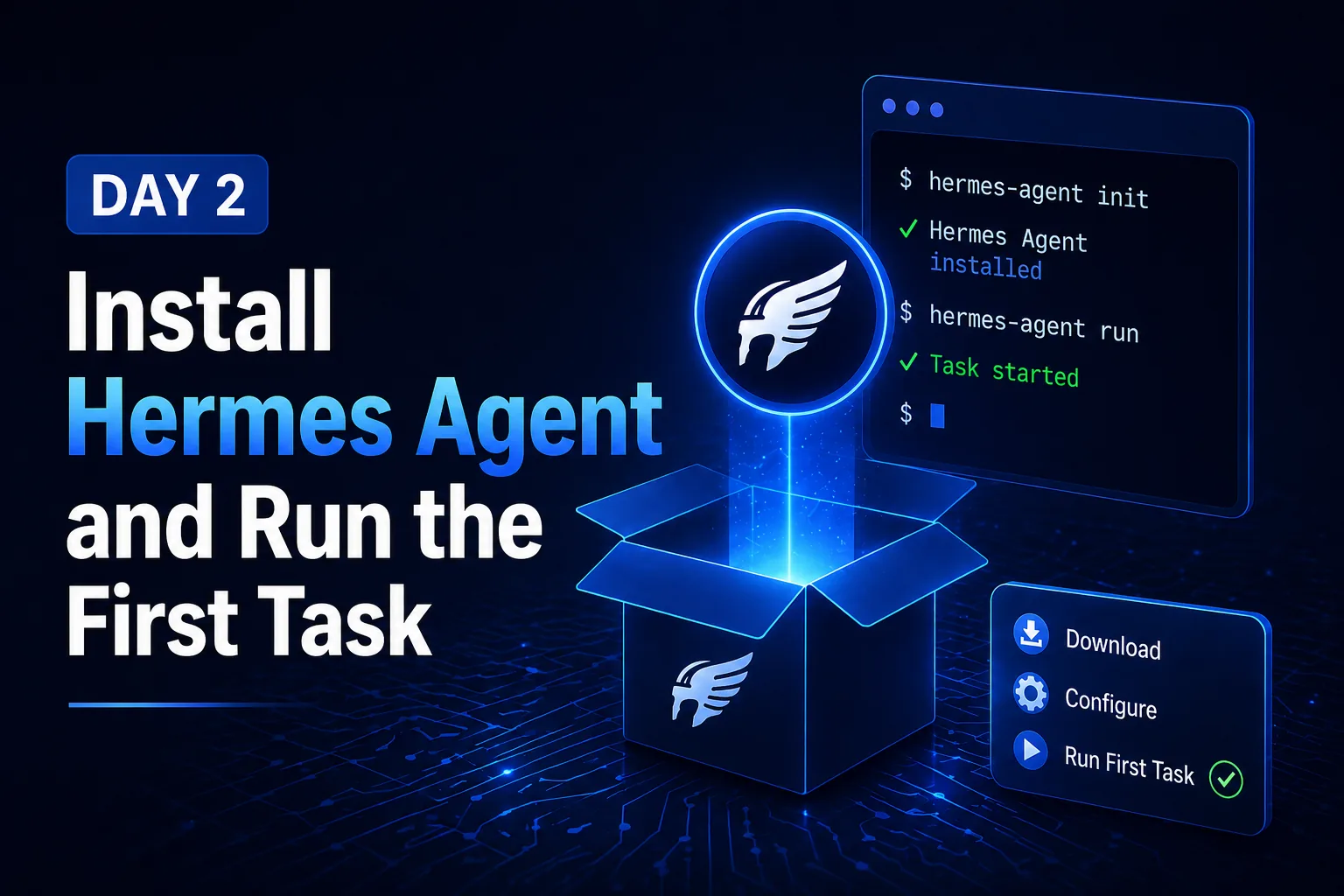
Day 2: Install Hermes Agent and Run the First Task
The first successful Hermes Agent setup should be boring. The goal is not to connect every service. The goal is to prove that the CLI starts, the model responds, tools are available, and the agent can finish one small task.
Setup order
- Install from the official instructions.
- Configure the model provider and API credentials.
- Start the CLI in a clean project directory.
- Ask for a harmless read-only task.
- Ask for one small edit or generated file.
- Verify the result yourself.
First task pattern
Use a task with a visible output:
Inspect this repository and summarize the app structure. Do not edit files.
Then run a contained write task:
Create a short docs note explaining how to start this project locally.
What to avoid
Do not start by granting broad permissions, installing many plugins, or asking for a multi-hour automation. If the basic loop is unstable, added integrations only make the failure harder to debug.
Your task
Finish one read-only task and one small write task. Record the exact command, model provider, working directory, and any permission prompts. This becomes your baseline setup note.